Licensing and Updates
Activate TransType, understand its export allowance, and keep the application current.
Activation
An unregistered build shows its status at the bottom of the main window. Click on
Activate to enter a TransType 5 license.
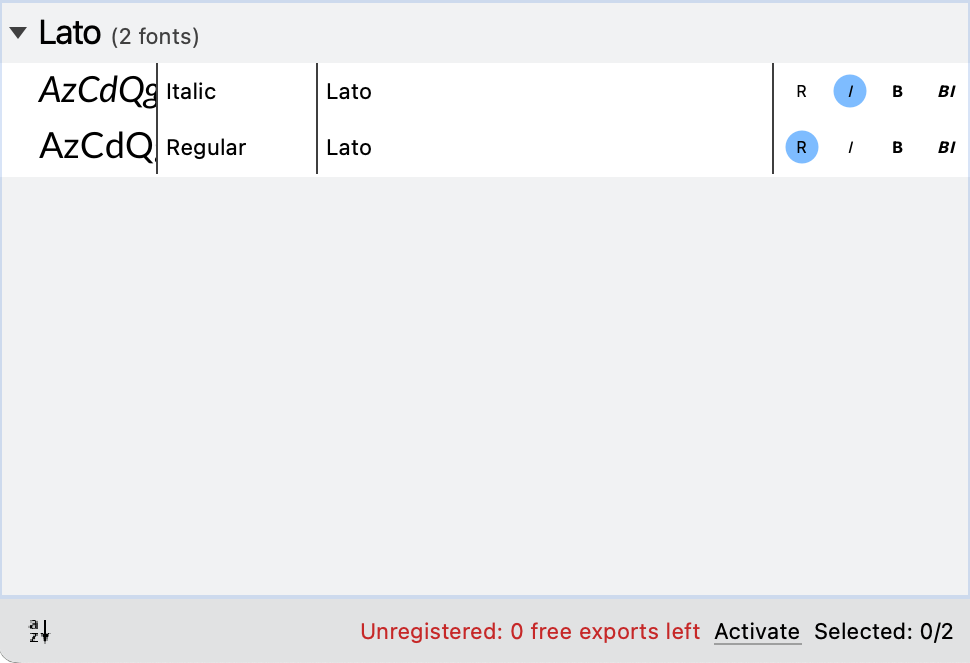
The current default build policy provides ten free font exports. Each
successfully written target consumes one export. A failed target releases its
reservation, and stopping a batch releases reservations for targets that were
not written.
The status can require an internet connection for periodic verification. If a
batch contains more selected targets than the remaining allowance, select
fewer targets or activate TransType.
Activation is tied to the TransType 5 product and the current device. The
application keeps a verified license available during temporary network
failure when a valid offline contract is already cached.
Updates on macOS
The macOS build uses Sparkle for signed application updates. Enable or disable
automatic checks in Preferences. Use Check for Updates… in the application menu for a manual
check.
Release notes
Choose Help > Release Notes to open the release notes bundled with the
application.